Google Cloud Study Jams - Learning Pathways
Your path to becoming a Google Cloud Skill Badge holder.
🚀 How to Fastrack and Complete the Skill Badge
Bypass the full-length lab by directly attempting the Challenge Lab.
Check Your Enrollment Email
Look for the email about your course enrollment.
In this email, you'll find a link to your learning syllabus.
Access Syllabus and View Badge Paths
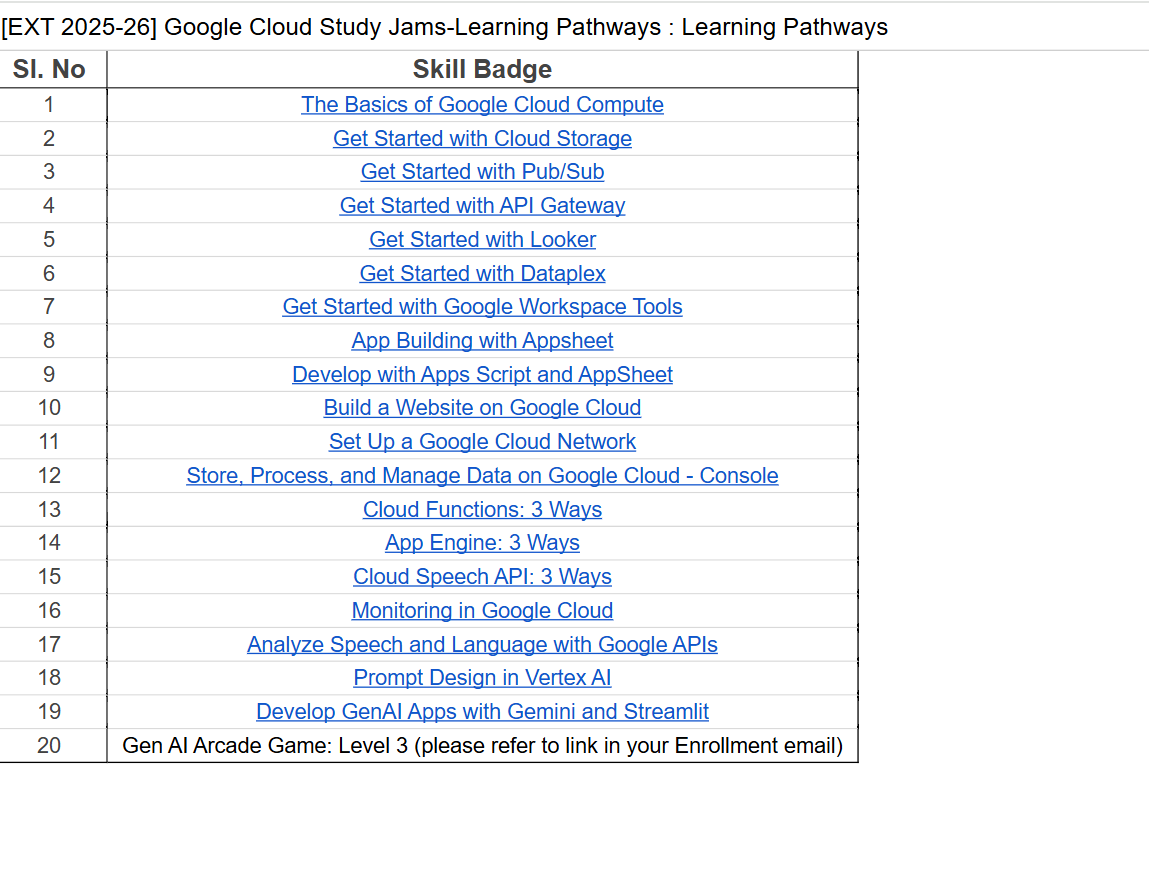
Click the syllabus link in your email to open the list of skill badge labs. The syllabus page will look like this:
Select the Skill Badge Lab You Want to Complete
Click on the specific skill badge lab you want to complete (e.g., 'Develop GenAI Apps with Gemini and Streamlit')
Enter the Challenge Lab Dashboard
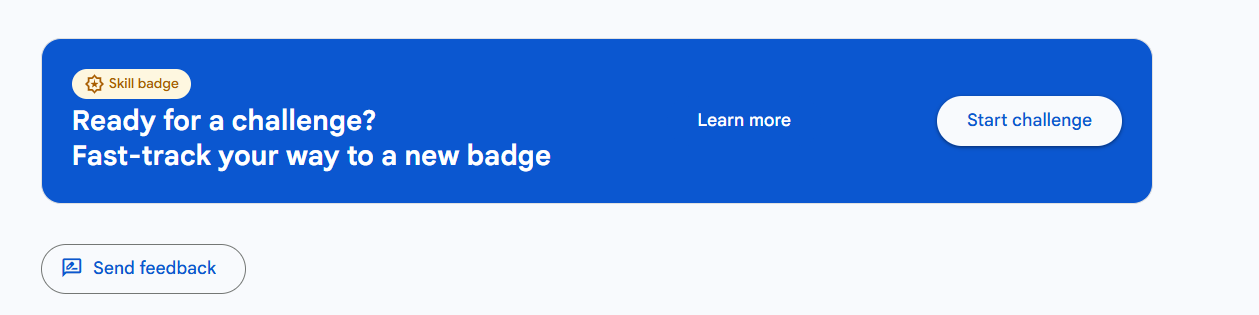
You'll see a blue slide/banner labeled 'Ready for a challenge? Fast-track your way to a new badge'. The page looks like this:
Start the Challenge Lab
Click the Start challenge button on that blue banner to begin your lab.
Complete the Challenge Lab
Work through the lab tasks and finish with the required score or tasks to successfully complete it
Check Your Dashboard
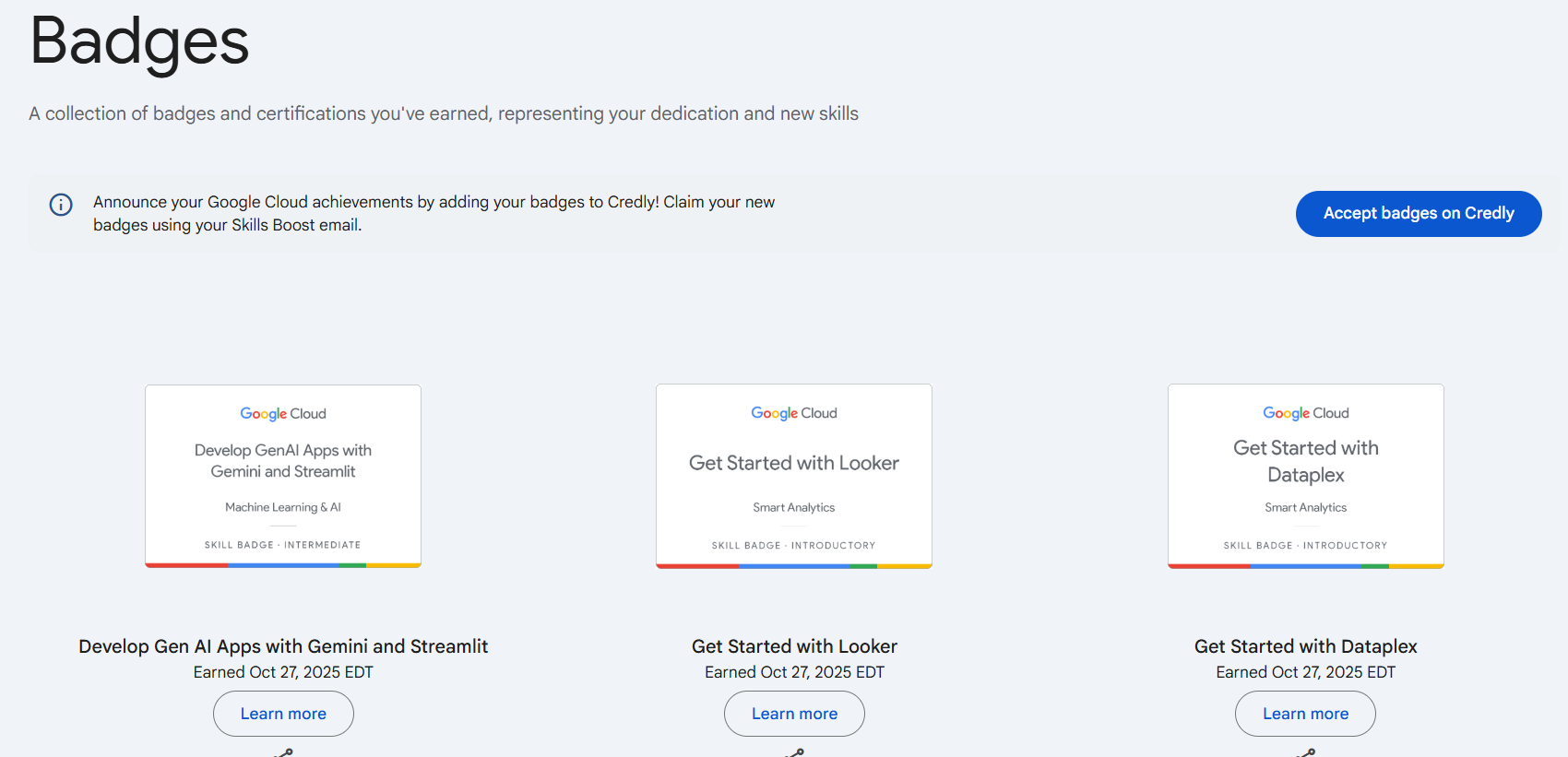
Once completed, go to your badge dashboard. If you earned the badge, it will show up in your Google Cloud Skill Boost dashboard.